# 0 ,前言
周刊维护在:https://github.com/eryajf/learning-weekly (opens new window) 欢迎投稿,推荐或自荐项目 /文章 /博客,请提交 issue 。
周刊核心为运维周刊,还会侧重 Go 语言生态,Vue 相关技术生态的项目,以及 GitHub 上优秀项目或经验。
你也可以在我的博客 https://wiki.eryajf.net/learning-weekly/ (opens new window) 查看汇总周刊。
🔥 有不少人想单独从博客通过 RSS 订阅周刊的更新,现在它来了,你可以使用这个🔗 链接 (opens new window)进行订阅。
# 1,优秀项目
- 项目地址:go-jsonstruct (opens new window)
- 项目说明:一款能够将 JSON 内容转换为结构体的命令行工具。
执行如下命令:
echo '{"age":37,"user_height_m":2}' \
    '{"age":38,"user_height_m":1.7,"favoriteFoods":["cake"]}' \
    | gojsonstruct
1
2
3
将会得到如下输出:
package main

type T struct {
    Age           int      `json:"age"`
    FavoriteFoods []string `json:"favoriteFoods,omitempty"`
    UserHeightM   float64  `json:"user_height_m"`
}
1
2
3
4
5
6
7
- 项目地址:earthly (opens new window)
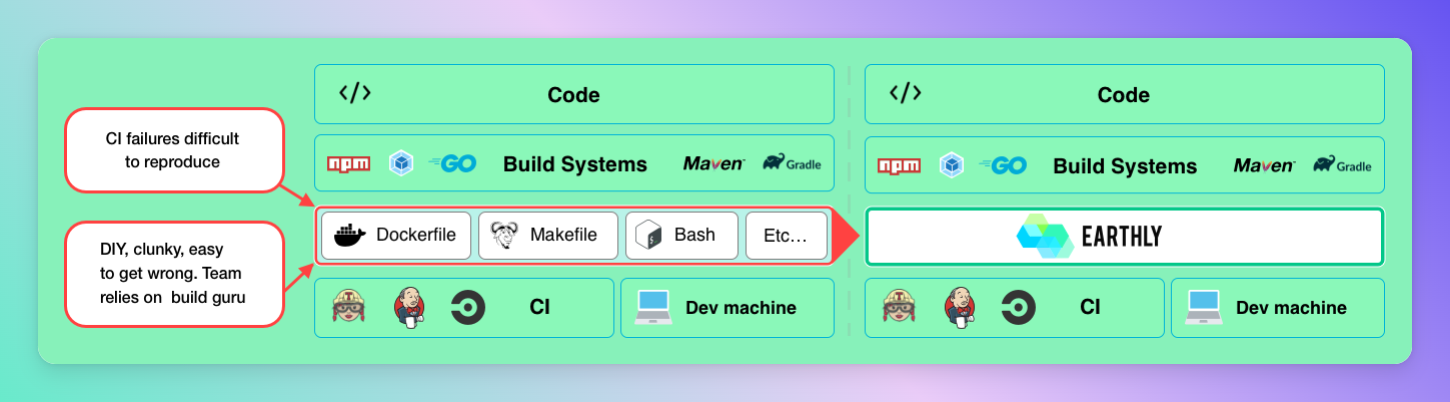
- 项目说明:一个简单的构建框架,具有快速、可重复的构建和立即熟悉的语法 - 就像 Dockerfile 和 Makefile 一样。 比如有如下 go 代码:
// main.go
package main

import "fmt"

func main() {
  fmt.Println("hello world")
}
1
2
3
4
5
6
7
8
指定 earthly 配置如下:
# Earthfile
VERSION 0.8
FROM golang:1.15-alpine3.13
RUN apk --update --no-cache add git
WORKDIR /go-example

all:
  BUILD +lint
  BUILD +docker

build:
  COPY main.go .
  RUN go build -o build/go-example main.go
  SAVE ARTIFACT build/go-example AS LOCAL build/go-example

lint:
  RUN go get golang.org/x/lint/golint
  COPY main.go .
  RUN golint -set_exit_status ./...

docker:
  COPY +build/go-example .
  ENTRYPOINT ["/go-example/go-example"]
  SAVE IMAGE go-example:latest
1
2
3
4
5
6
7
8
9
10
11
12
13
14
15
16
17
18
19
20
21
22
23
24
然后执行 earthly +all 命令进行构建:
 可以考虑作为构建工具集成到流水线当中。
- 项目地址:lobe-chat (opens new window)
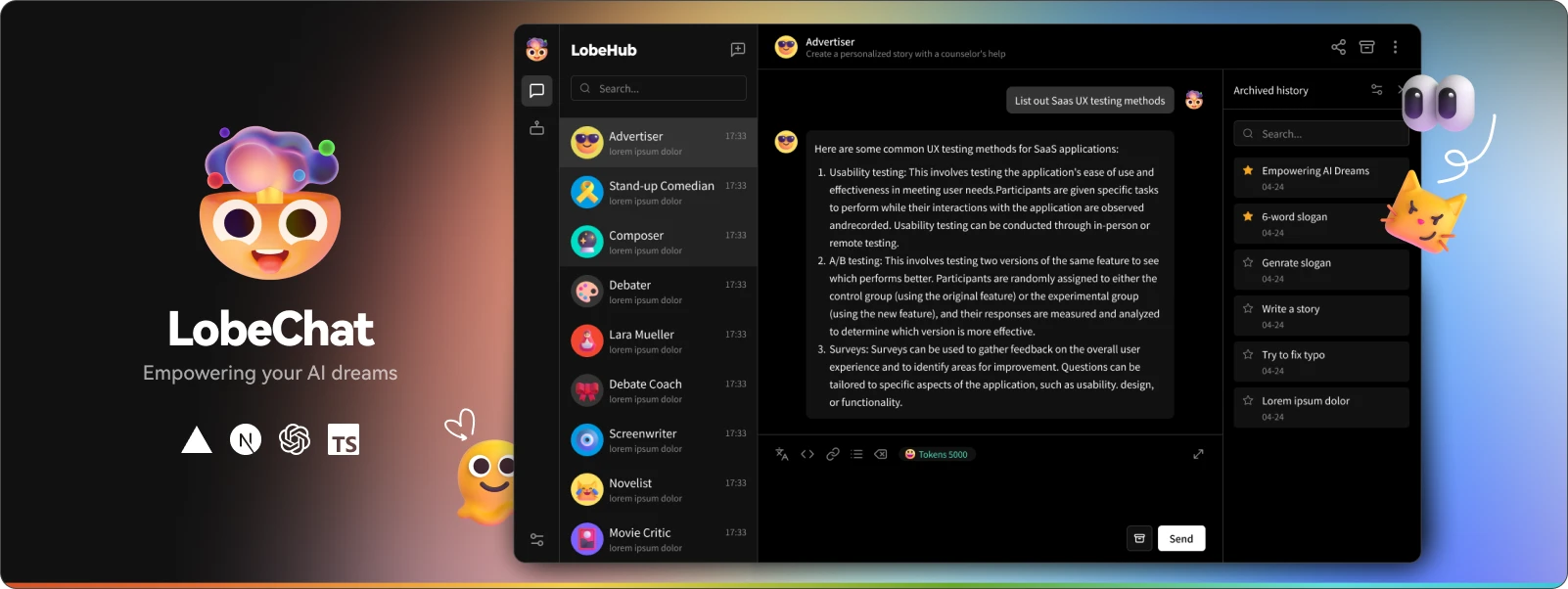
- 项目说明:一个开源、现代设计的 ChatGPT/LLM UI/框架。支持语音合成、多模态和可扩展(函数调用)插件系统。一键免费部署您的私人 ChatGPT/Gemini/Ollama 聊天应用程序。
申明
原创文章eryajf,未经授权,严禁转载,侵权必究!此乃文中随机水印,敬请读者谅解。
# 2,优秀文章
- using curl command in pod lifecycle poststart hooks (opens new window)
- 如题,在 k8s 的 yaml 中,如果 command 中的 curl 命令引用了运行时的变量,需要注意使用
${}的方式来引用,而不要直接引用,否则变量会被解析,且解析为空。
- How to solve ptrace operation not permitted when trying to attach GDB to a process? (opens new window)
- 如果 docker run 运行容器之后,使用 strace 抓取进程调用报错,此文给了解决方案。可以通过在启动命令增加
--privileged --cap-add=SYS_PTRACE --security-opt seccomp=unconfined参数来解决。
# 3,优秀博客
- 博客地址:敖武的博客 (opens new window)
- 简单说明:很优秀的博主,博客内容很好,值得一读
- 博客地址:HTMLrev (opens new window)
- 简单说明:汇集了大量免费优美的 html 模板的站点。官网,落地页,产品页,都可以在这里寻找。