Postman 可以说是我在 CTF 中使用最多的工具了。它确实非常好用,但我并没有完全掌握它的使用之道,因此大量的历史请求堆在一起,显得环境无比混乱。
虽说是有想要改变的想法,但这些历史记录还是非常重要的,一时间难以割舍。于是便开始寻找导出的方案。
ToC
indexedDB
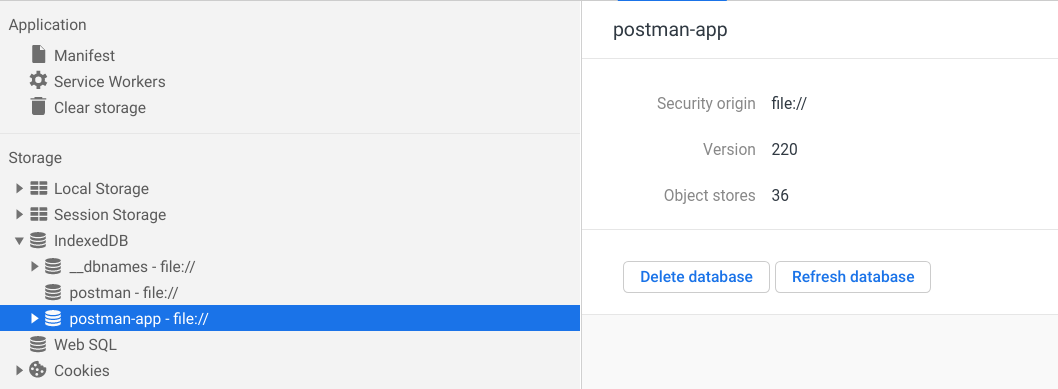
我们知道,Postman 是典型的 Electron 应用,而其数据则是存在了 indexedDB 中。通过开发者工具可以简单浏览一二:
保存文件
为了保存方便,我们定义 console.save 函数,以将字符串保存到文件[1]:
(function (console) {
console.save = function (data, filename) {
if (!data) {
console.error("Console.save: No data");
return;
}
if (!filename) filename = "console.json";
if (typeof data === "object") {
data = JSON.stringify(data, undefined, 4);
}
var blob = new Blob([data], { type: "text/json" }),
e = document.createEvent("MouseEvents"),
a = document.createElement("a");
a.download = filename;
a.href = window.URL.createObjectURL(blob);
a.dataset.downloadurl = ["text/json", a.download, a.href].join(":");
e.initMouseEvent(
"click",
true,
false,
window,
0,
0,
0,
0,
0,
false,
false,
false,
false,
0,
null
);
a.dispatchEvent(e);
};
})(console);
导出 db
这里我们使用的是 indexeddb-export-import[2] 中的函数:
/**
* Export all data from an IndexedDB database
* @param {IDBDatabase} idbDatabase - to export from
* @param {function(Object?, string?)} cb - callback with signature (error, jsonString)
*/
function exportToJsonString(idbDatabase, cb) {
const exportObject = {};
const objectStoreNamesSet = new Set(idbDatabase.objectStoreNames);
const size = objectStoreNamesSet.size;
if (size === 0) {
cb(null, JSON.stringify(exportObject));
} else {
const objectStoreNames = Array.from(objectStoreNamesSet);
const transaction = idbDatabase.transaction(objectStoreNames, "readonly");
transaction.onerror = event => cb(event, null);
objectStoreNames.forEach(storeName => {
const allObjects = [];
transaction.objectStore(storeName).openCursor().onsuccess = event => {
const cursor = event.target.result;
if (cursor) {
allObjects.push(cursor.value);
cursor.continue();
} else {
exportObject[storeName] = allObjects;
if (objectStoreNames.length === Object.keys(exportObject).length) {
cb(null, JSON.stringify(exportObject));
}
}
};
});
}
}
开始导出
最后用几行代码就可以导出了:
dbResp = indexedDB.open("postman-app");
dbResp.onsuccess = function () {
var db = dbResp.result;
exportToJsonString(db, (err, str) =>
err ? console.error(err) : console.save(str, "export.json")
);
};
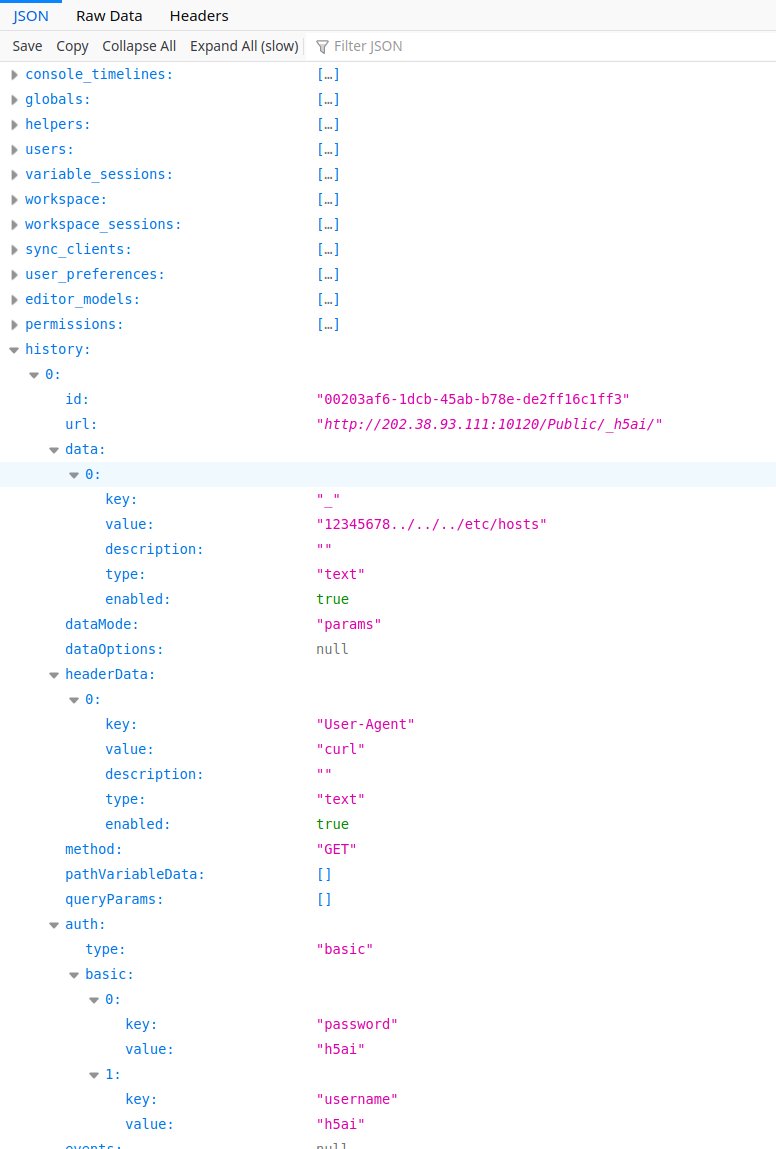
保存后用 firefox 打开的效果如下图所示: