欢迎来到第 125 期的【视野修炼 - 技术周刊】,下面是本期的精选内容简介
近期因为身体原因,上机时间较少,码内容断断续续😋,断更了一段时间。
🔥强烈推荐
1. nano-banana
这周超火的图片编辑模型,谷歌出品的 Gemini Flash,"直接替代 PS"。
可直接上 Google Gemini Web 段体验。
下面给2个案例和提示词(来源于 X 上大佬 @ZHO_ZHO_ZHO 分享)
- 桌面 3D 手办
md
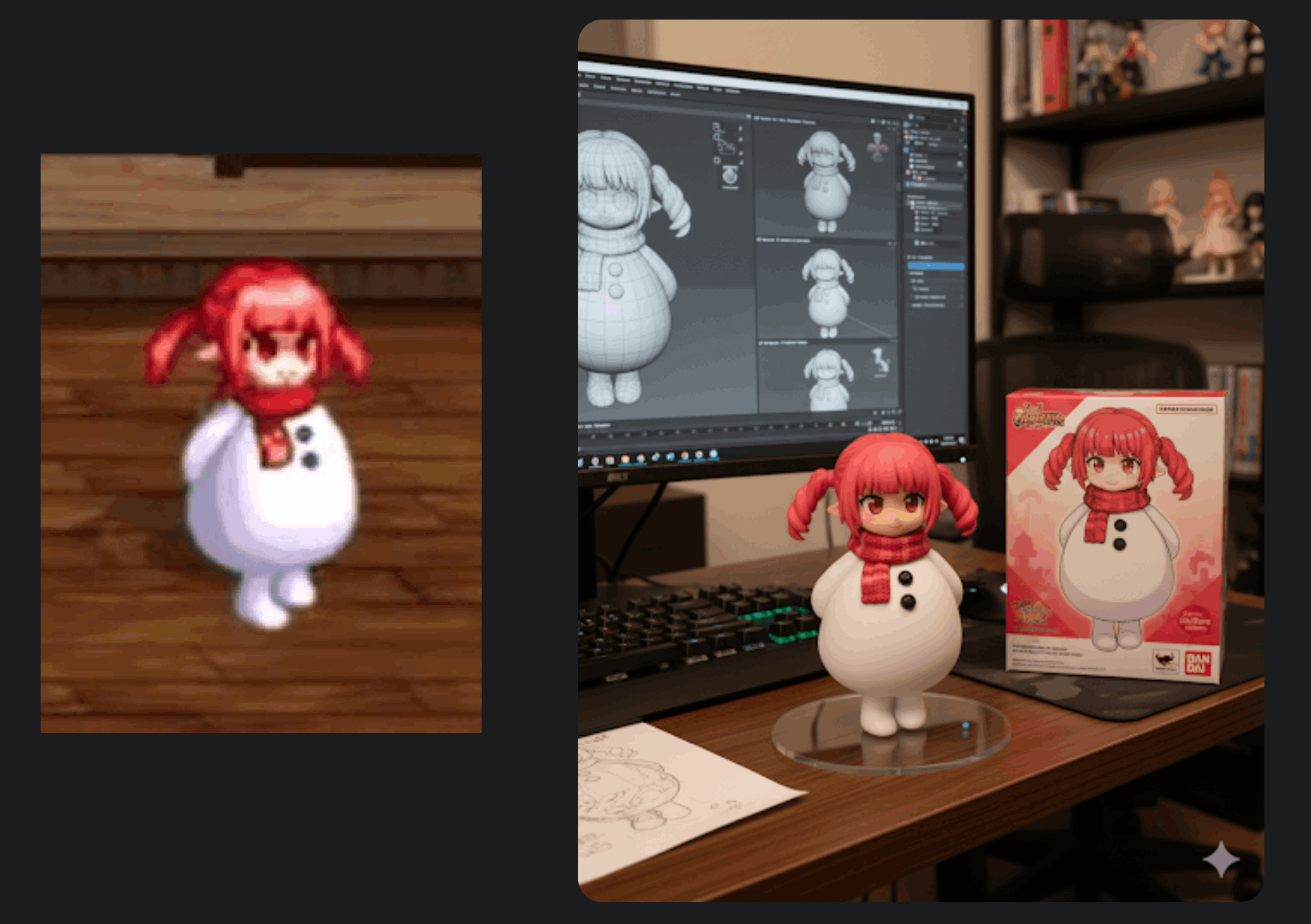
Use the nano-banana model to create a 1/7 scale commercialized figure of thecharacter in the illustration, in a realistic style and environment. Place the figure on a computer desk, using a circular transparent acrylic base without any text.On the computer screen, display the ZBrush modeling process of the figure. Next to the computer screen, place a BANDAI-style toy packaging box printed with the original artwork.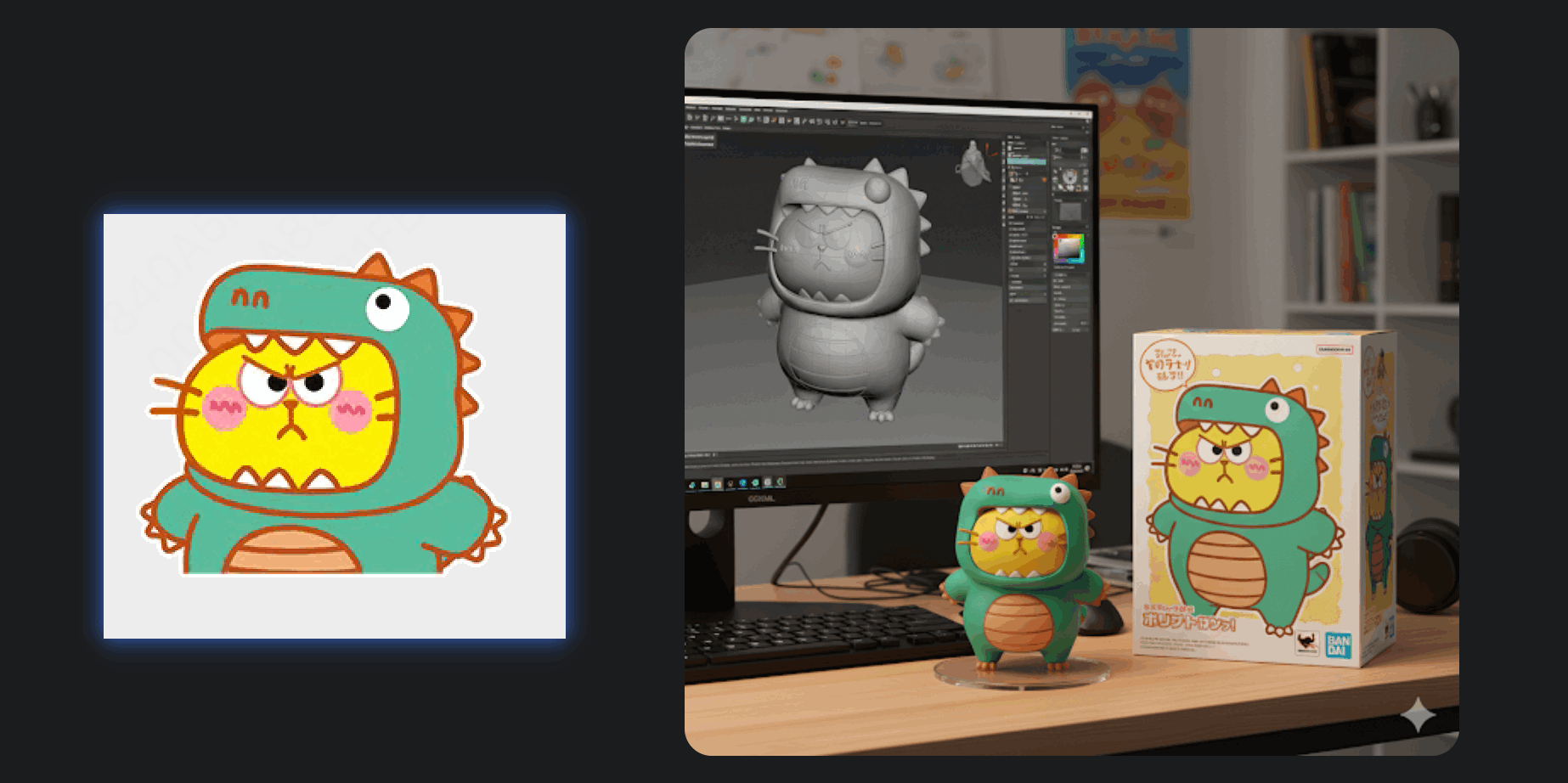
- Cos 生成
md
Generate a highly detailed photo of a girl cosplaying this illustration, at Comiket. Exactly replicate the same pose, body posture, hand gestures, facial expression, and camera framing as in the original illustration. Keep the same angle, perspective, and composition, without any deviation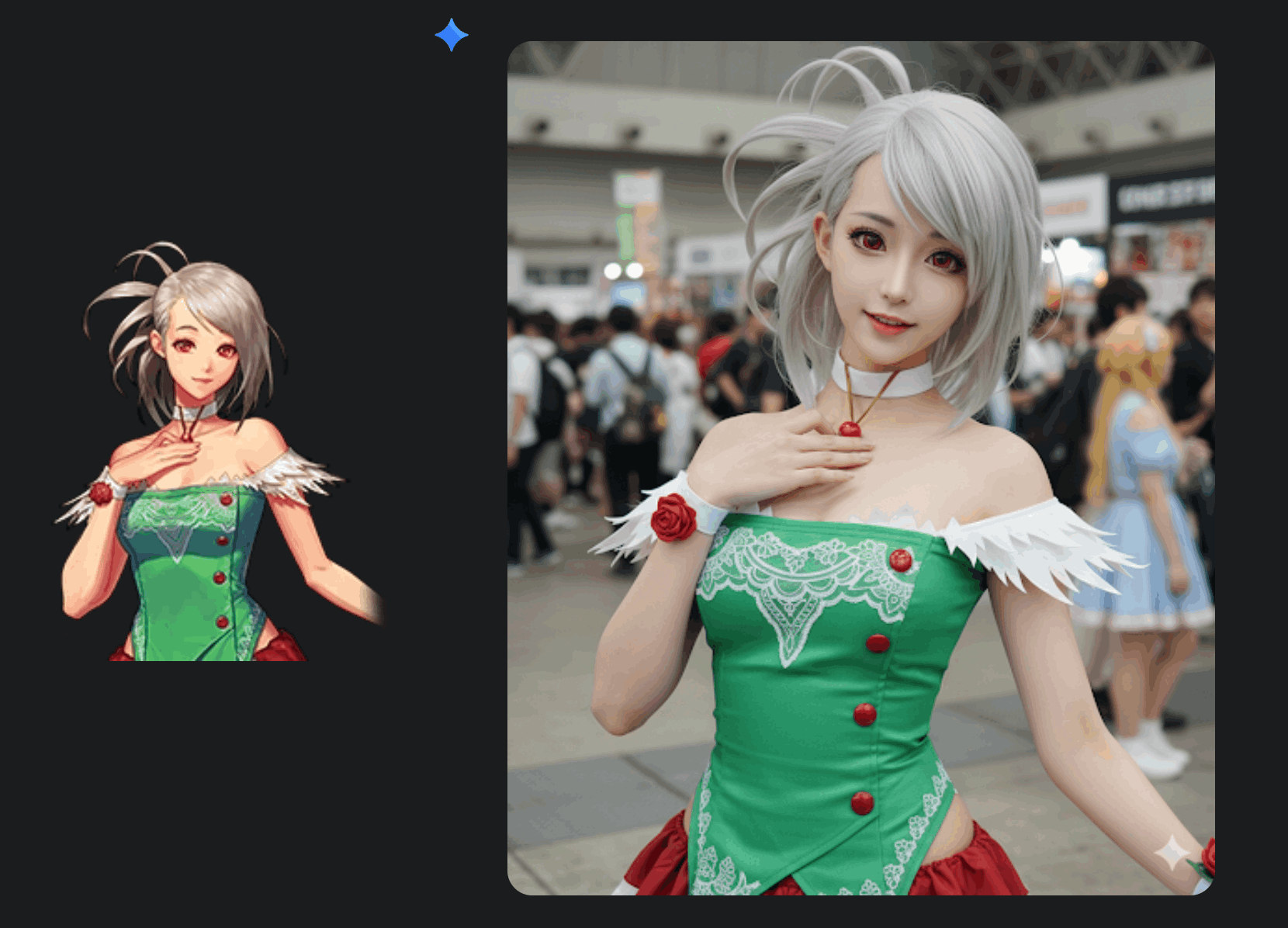
大家也可以参考文章 实测谷歌Nano Banana,探索更多玩法!
2. 现代 Nodejs 开发姿势
挑一些实用的点:
使用 ESM 替代CJS
导入内置模块使用
node:前缀以区分第三方模块 ,如node:fs
js
import { readFile } from 'node:fs/promises';- 顶层
await
js
import { readFile } from 'node:fs/promises';
const config = JSON.parse(await readFile('config.json', 'utf8'));- 使用内置 fetch 替代第三方外部 HTTP 请求库
js
const response = await fetch('https://api.example.com/data');
const data = await response.json();- 使用
AbortController终止请求
js
const controller = new AbortController();

setTimeout(() => controller.abort(), 10000);

try {
  const data = await fetch('https://slow-api.com/data', {
    signal: controller.signal
  });
  console.log('Data received:', data);
} catch (error) {
  if (error.name === 'AbortError') {
    console.log('Request was cancelled');
  } else {
    console.error('Unexpected error:', error);
  }
}- 内置测试模块
node:test
js
// test/math.test.js
import { test, describe } from 'node:test';
import assert from 'node:assert';
import { add, multiply } from '../math.js';

describe('Math functions', () => {
  test('adds numbers correctly', () => {
    assert.strictEqual(add(2, 3), 5);
  });
});
sh
# Run all tests with built-in runner
node --test

# Watch mode for development
node --test --watch

# Coverage reporting (Node.js 20+)
node --test --experimental-test-coverage- 监听自动重启和环境管理
js
{
  "name": "modern-node-app",
  "type": "module",
  "engines": {
    "node": ">=20.0.0"
  },
  "scripts": {
    "dev": "node --watch --env-file=.env app.js",
    "test": "node --test --watch",
    "start": "node app.js"
  }
}- 导入映射
这个吊,之前都没了解到👍🏻,完美替代 alias
package.json 中添加 imports 字段
json
{
  "imports": {
    "#config": "./src/config/index.js",
    "#utils/*": "./src/utils/*.js",
    "#db": "./src/database/connection.js"
  }
}
js
import config from '#config';
import { logger, validator } from '#utils/common';
import db from '#db';
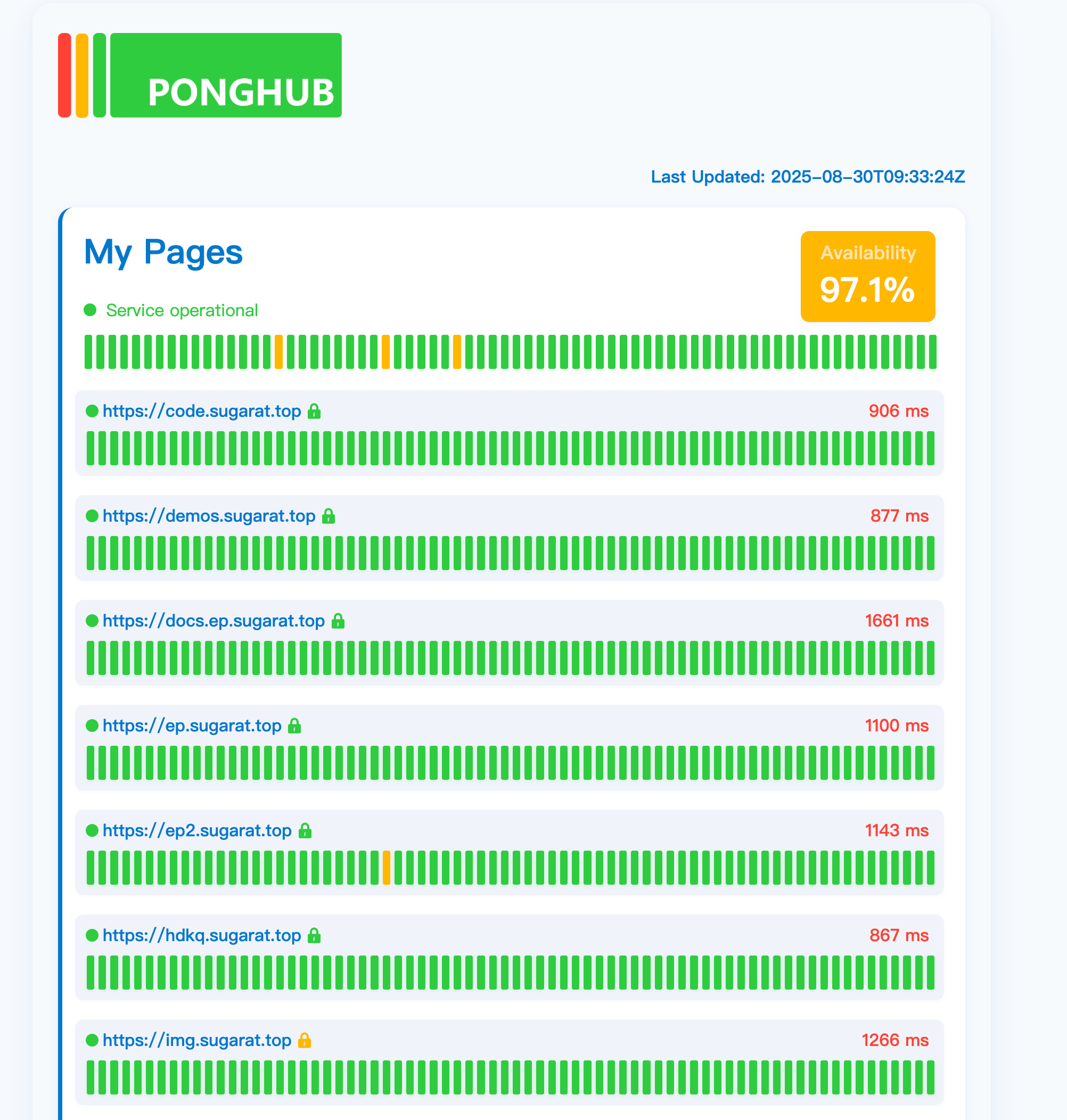
3. PongHub - 开源服务监控平台
基于 GitHub Action 基础能力,自动部署GitHub Pages和定时数据更新。
下面是笔者部署的自己的!
🔧开源工具&技术资讯
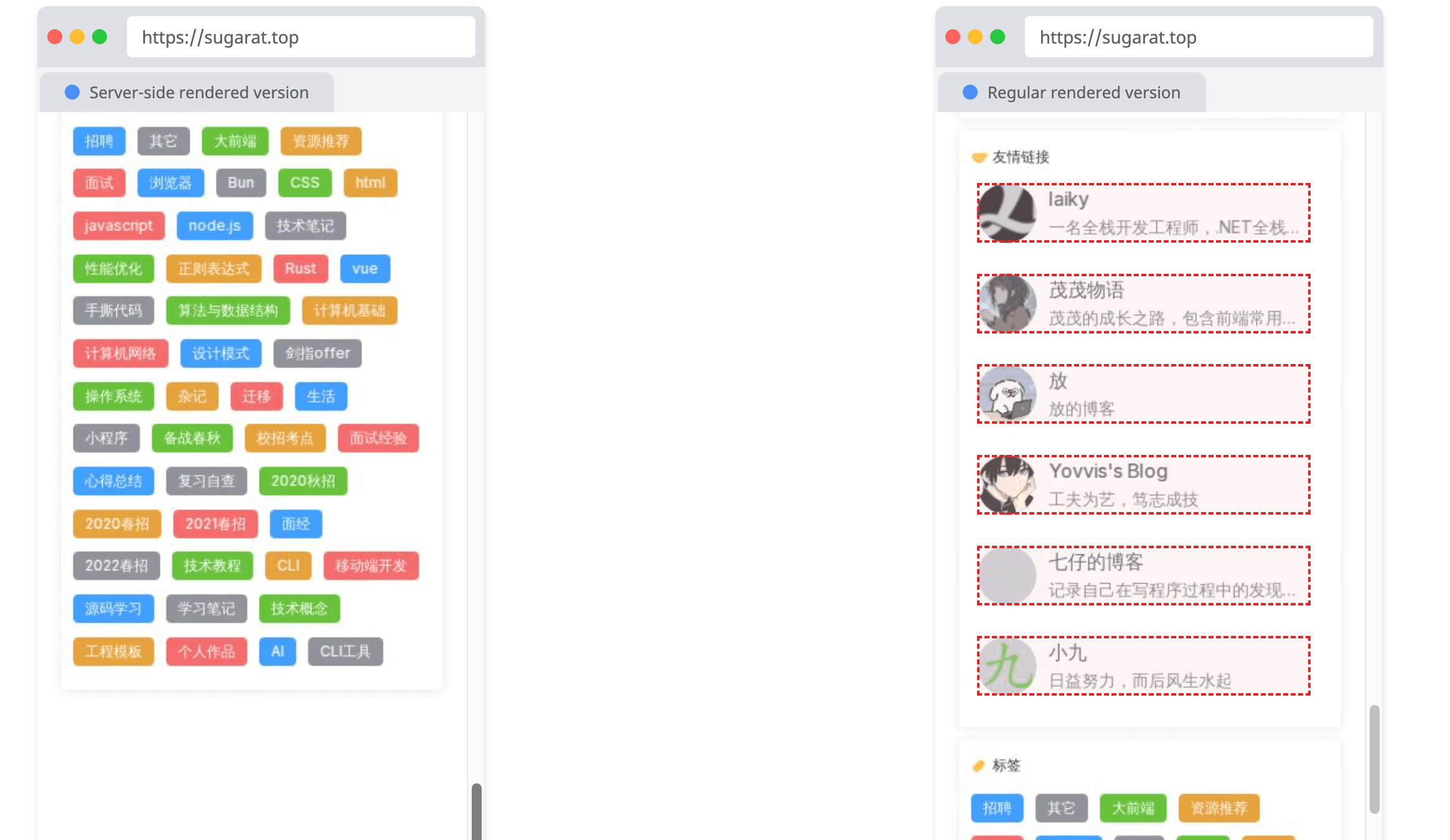
4. SSR 渲染 Check工具
一个简单的工具,可帮助检查目标 URL 页面,哪部分内容是服务端渲染哪部分是CSR渲染。
5. difit - Diff CLI
GitHub风格本地 Diff 工具
sh
npx difit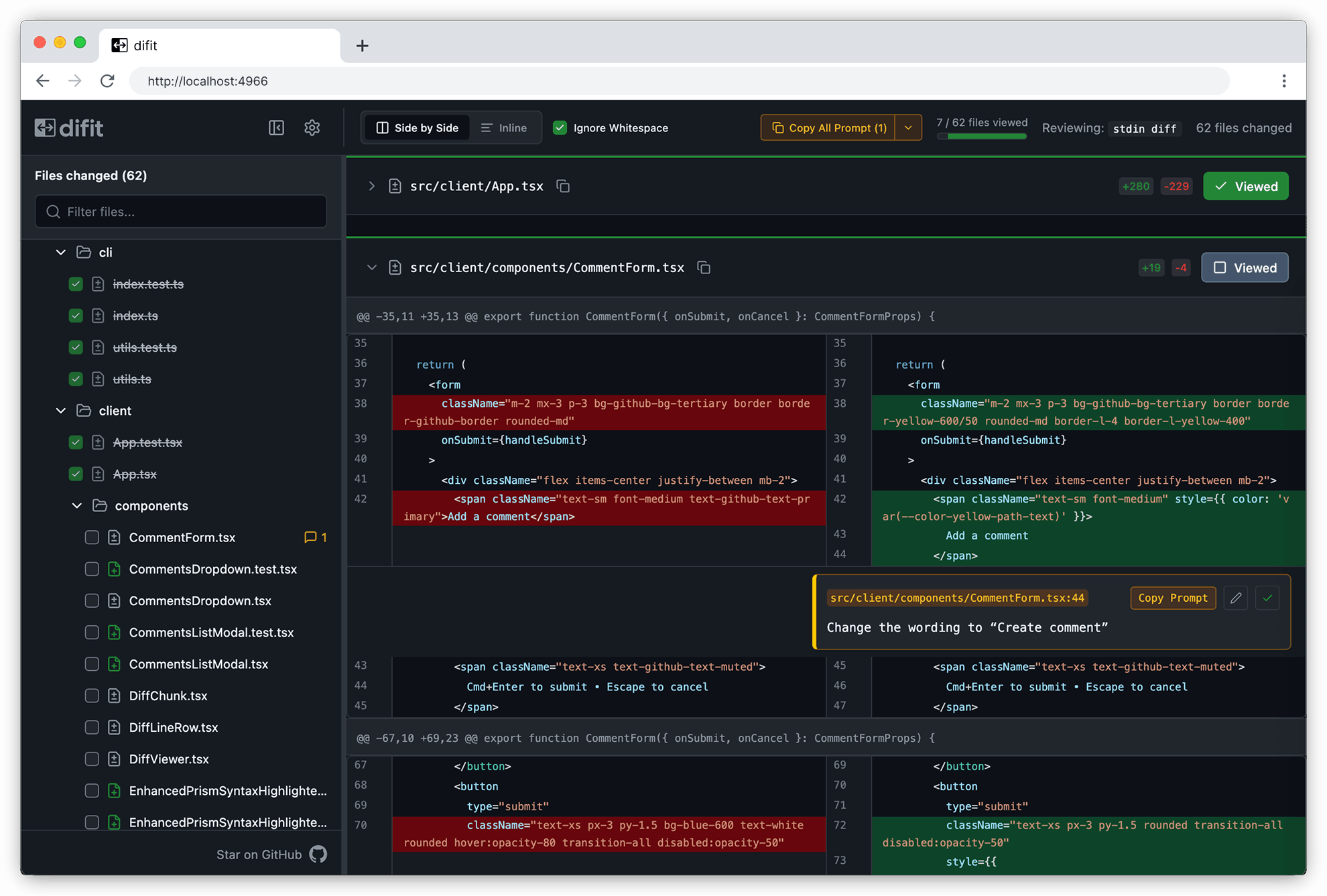
6. image-js - 图像处理库
支持在 Node.js 和浏览器中运行,用于调整大小、裁剪、过滤、颜色调整以及许多其他高级操作的库。
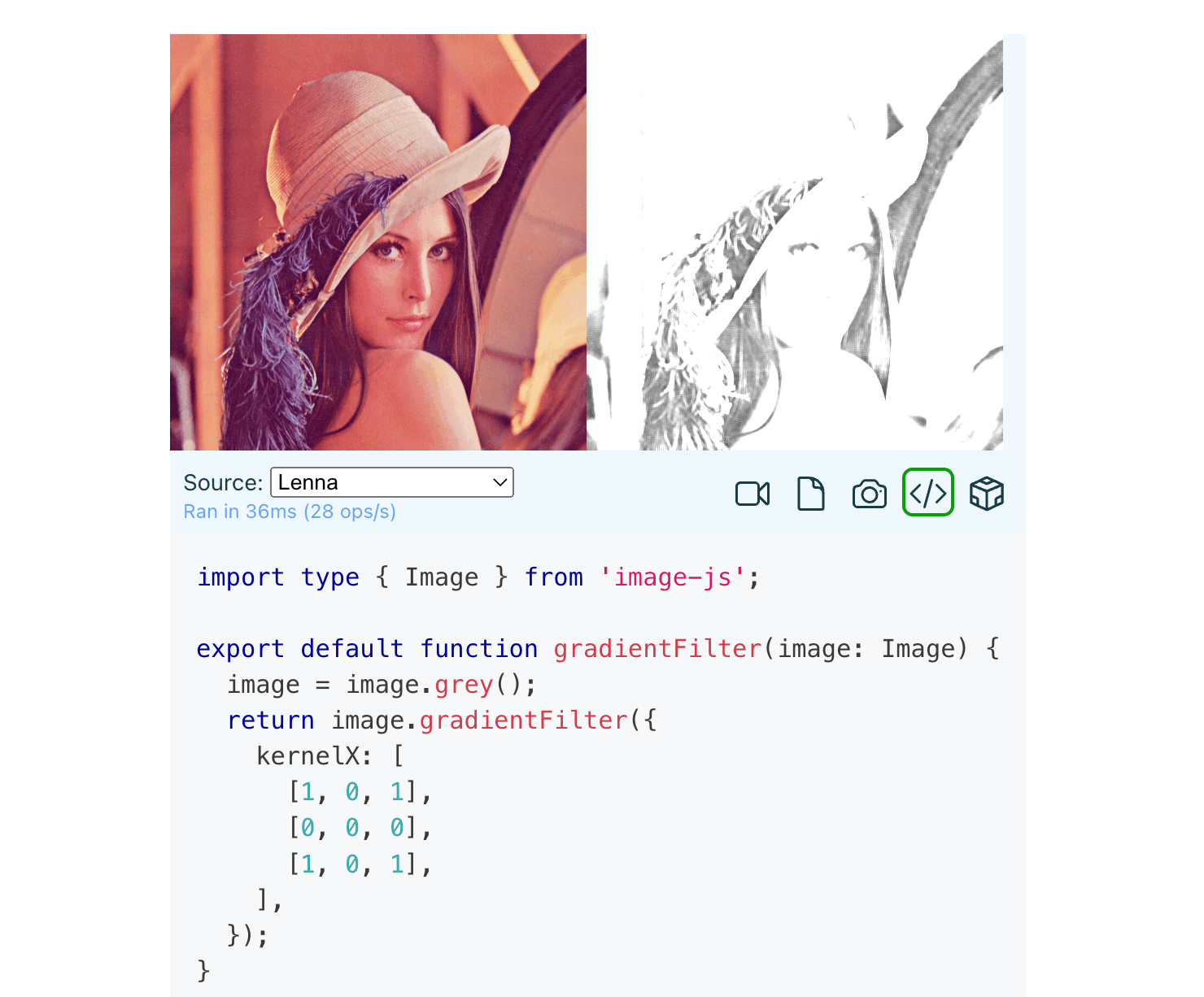
👍🏻比较高级
7. 免费HTTPS证书申请 - 90天
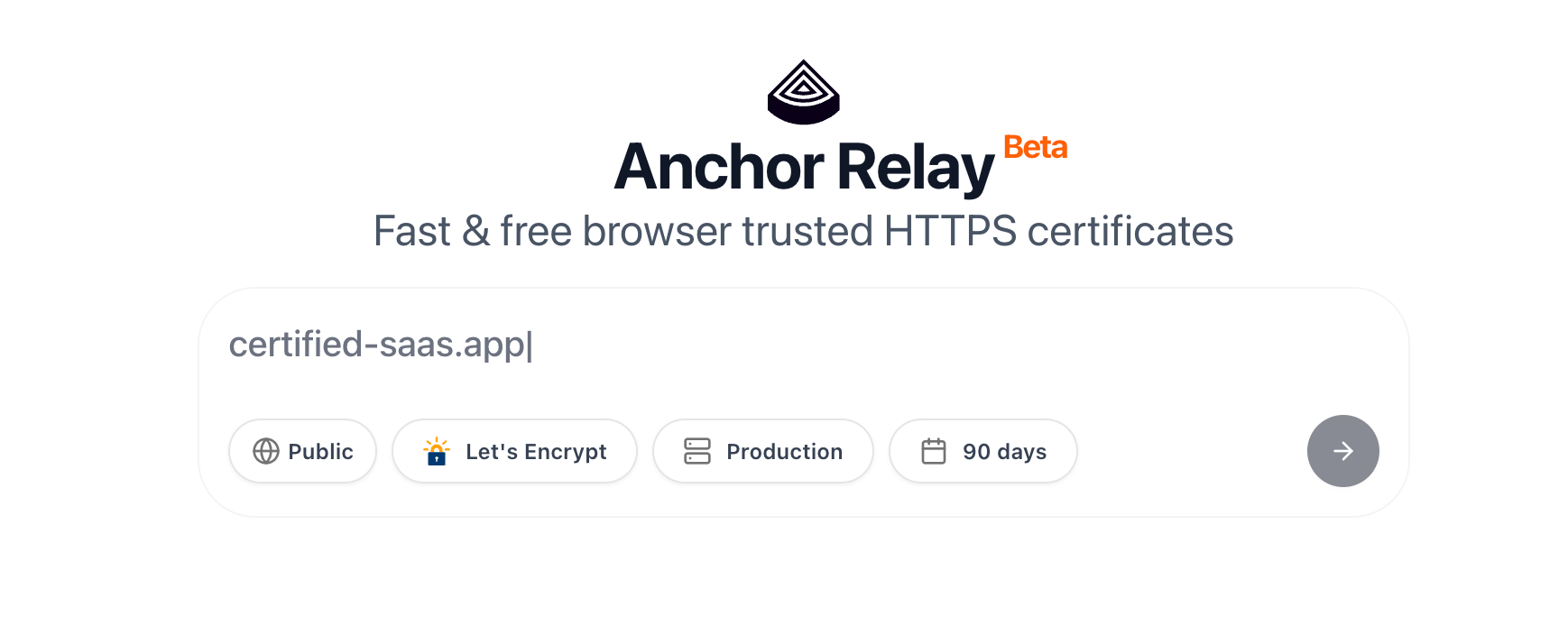
收藏!
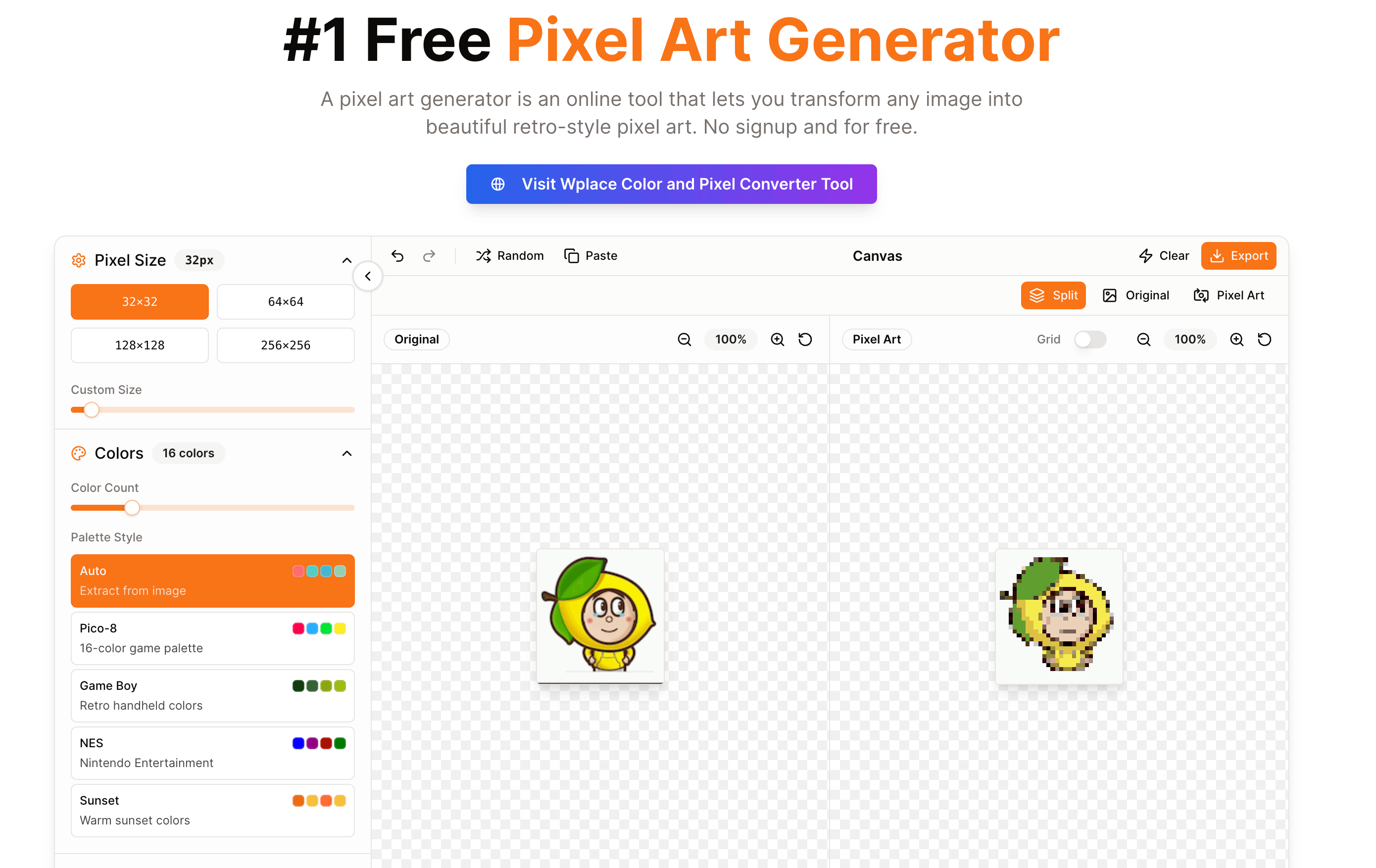
8. 图片转成像素画
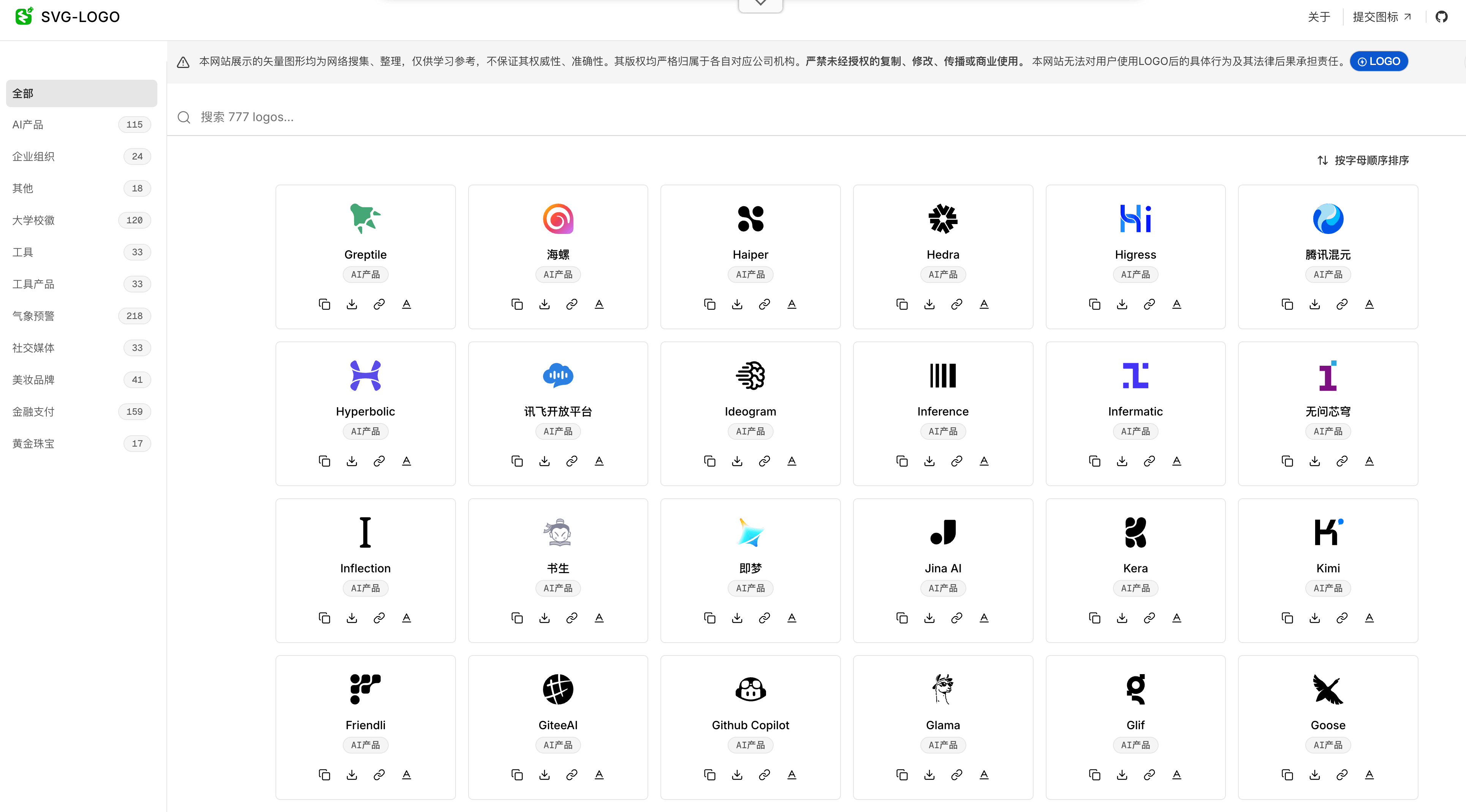
9. 国内SVG Logo资源
10. 各种定价页的设计参考
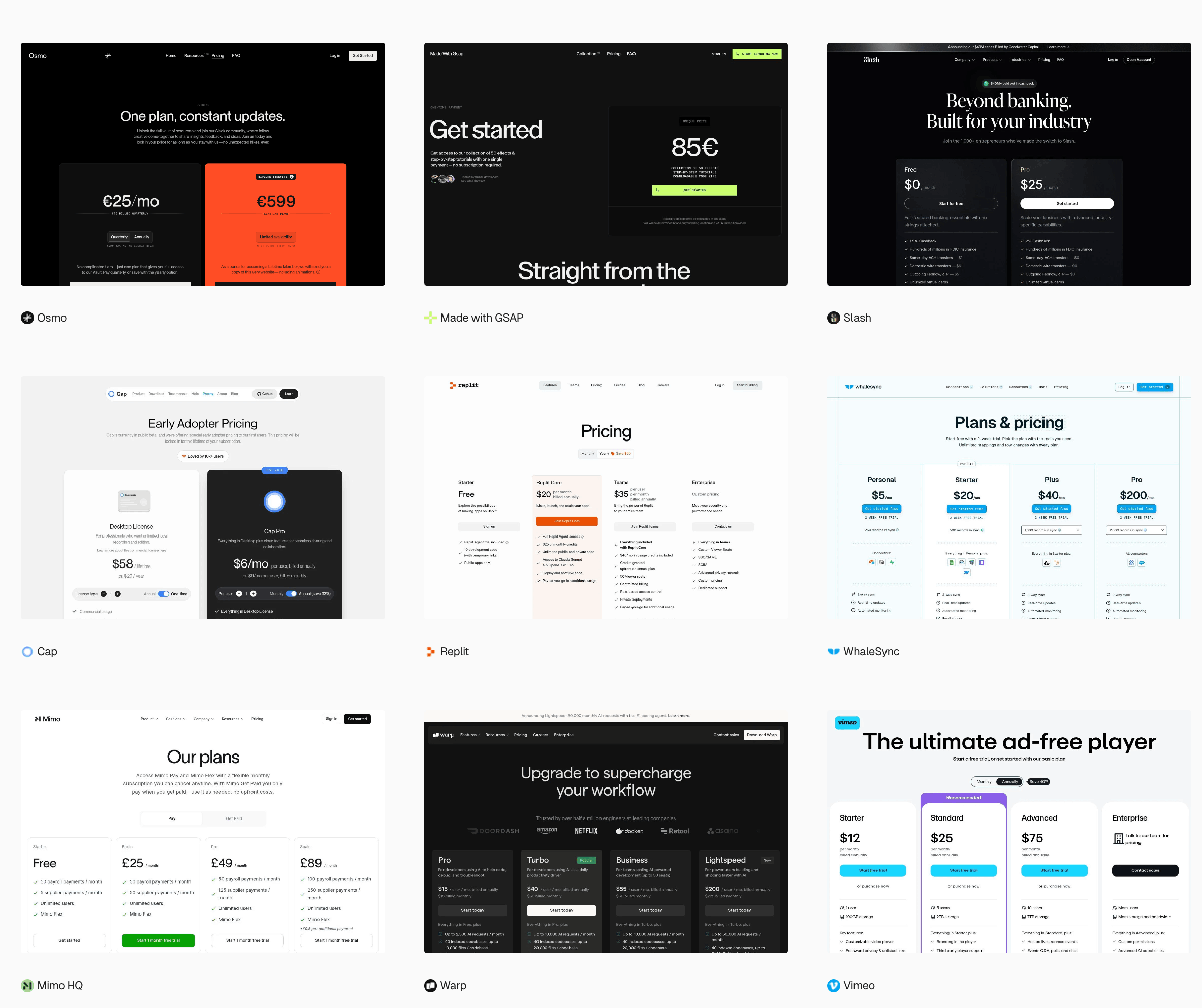
收藏!迟早有一天会用上。
⭐️强力推荐关注
周刊部分内容来源如下渠道,推荐大家关注。
- 阮一峰: 科技爱好者周刊 - 记录每周值得分享的科技内容,周五发布
- 前端 RSS - 根据 RSS 订阅源抓取最新前端技术文章
- 值得一读技术博客 - 每天进步一点点,每天分享有料的技术文章!
- FRE123 技术周刊精选 - 技术周刊精选推荐信息流