
0x00 摘要
记述 MLIR-HLO + LLVM 环境搭建的流程
0x01 项目简介
MLIR-HLO aims to provide an end-to-end compiler for CPU and GPU, as well as building reusable blocks for other accelerators. This is heavily inspired by the success of XLA.
0x02 项目地址
MLIR-HLO: https://github.com/tensorflow/mlir-hlo
LLVM: https://github.com/llvm/llvm-project
0x03 搭建过程
-
Install dependencies
(下文以Ubuntu 20.04.3 LTS为例,默认root用户)apt update && apt install cmake g++ lld ninja-build -
Clone
git clone https://github.com/llvm/llvm-project.git
git clone https://github.com/tensorflow/mlir-hlo.git
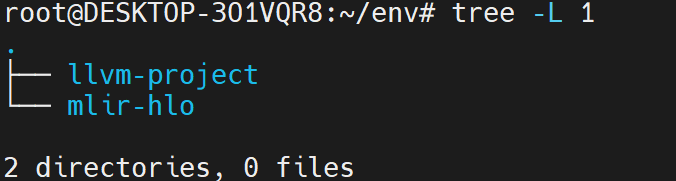
目录结构:
cd llvm-project && git checkout $(cat ../mlir-hlo/build_tools/llvm_version.txt)Note: 切换LLVM到MLIR-HLO中指定的版本
-
Build and Test
-
Build LLVM
cd ../mlir-hlo
build_tools/build_mlir.sh ../llvm-project/ ../llvm-build
Note:
1. 上述指定的两个目录需要根据实际情况进行指定,前者为LLVM的源目录,后者为LLVM的编译目录
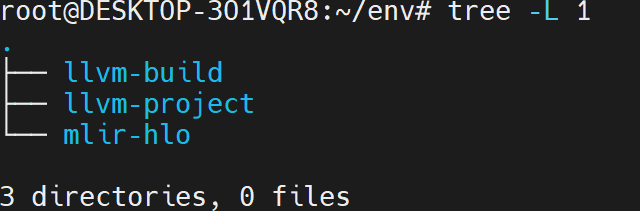
2. 建议将LLVM的编译目录独立放置便于管理目录结构:
-
Build MLIR-HLO
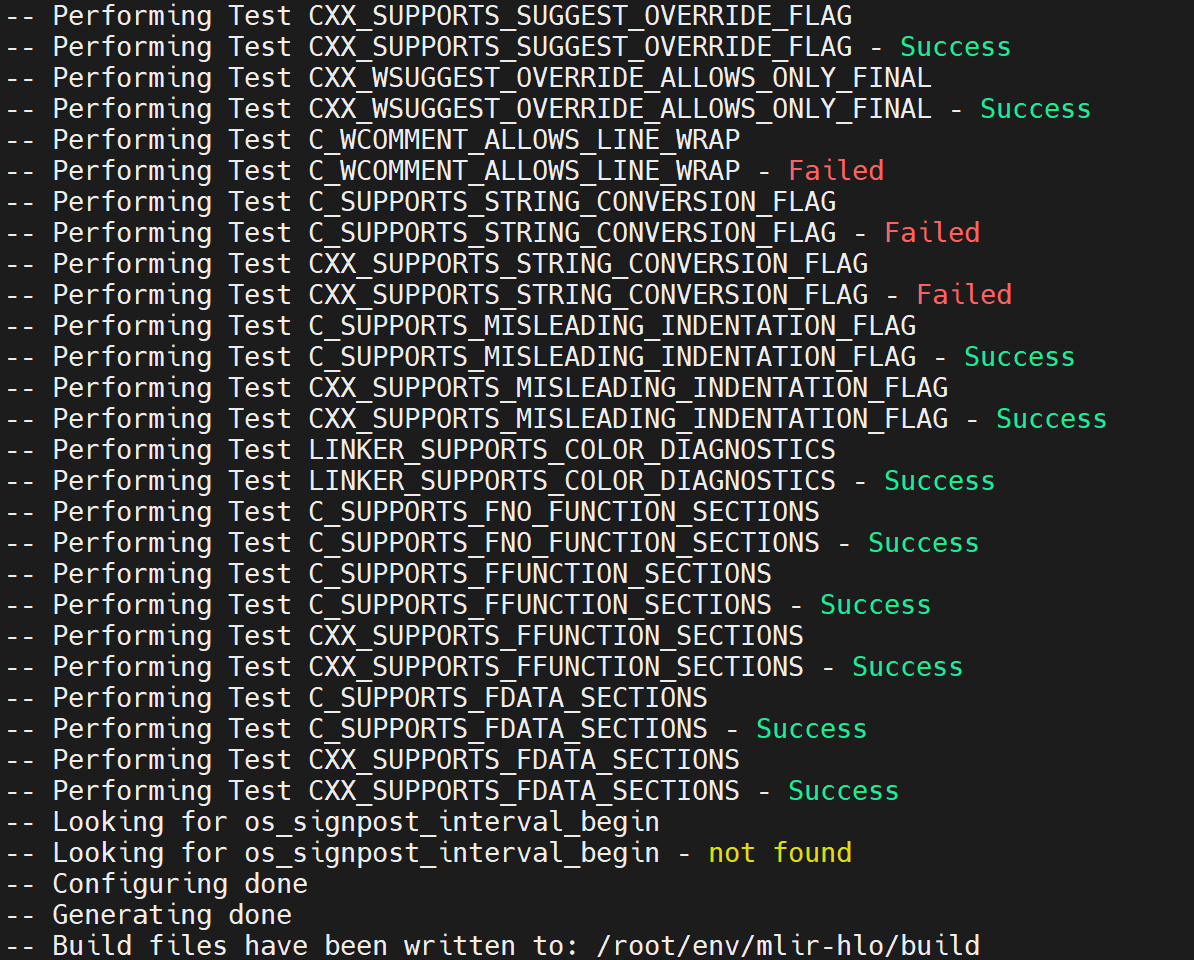
mkdir build && cd buildcmake .. -GNinja \ -DLLVM_ENABLE_LLD=ON \ -DCMAKE_BUILD_TYPE=Release \ -DLLVM_ENABLE_ASSERTIONS=On \ -DMLIR_DIR=${PWD}/../../llvm-build/lib/cmake/mlirNote: DMLIR_DIR 需根据实际情况进行指定
-
Test
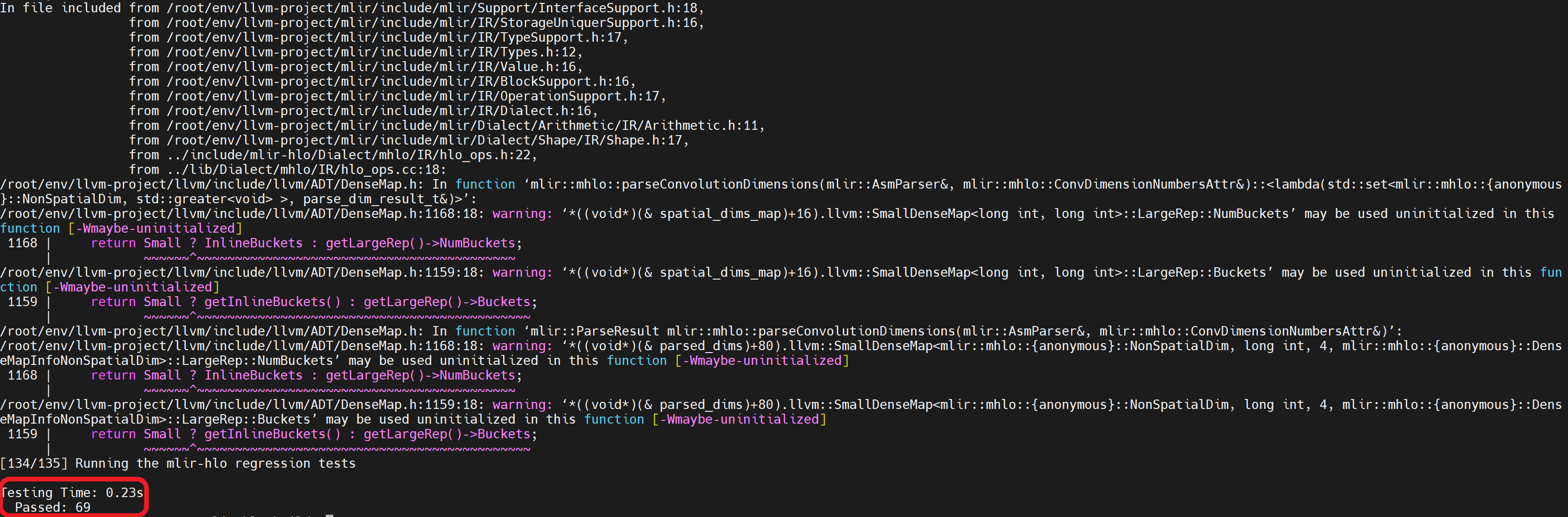
ninja check-mlir-hloNote:
1. 出现截图所示,则环境搭建完成
2. 第一次运行ninja check-mlir-hlo时,需要进行一次编译,后续运行时不需要
-

0x04 测试环境
- H/W
- CPU: AMD 5950X
- Mem: 64GB
- S/W
- OS: Ubuntu 20.04.3 LTS (Kernel: 5.10.16.3)
- cmake: 3.16.3
- gcc: 9.3.0
- LLVM commit: 98d51c2542dc63608d3e98de415e090030e3ace1
- MLIR-HLO commit: 5f3a8009b7ce9d7acb89e1a2b6b55ece9f1e8136
- Date
- 2022.01.12
Note: 测试中,编译LLVM时内存占用峰值大约30GB